It’s 4:30 p.m., and tomorrow’s parking lot paving job is scheduled to begin at 7:00 a.m. Then updates start coming in from outside your paving job tracking software.
The crew foreman receives a text saying the old asphalt removal is delayed. The required asphalt quantity has changed, but the work order still shows the original amount.
Now someone has to search through text messages, spreadsheets, emails, and paper forms to figure out which information is correct.
There’s a better way.
Your paving team should be able to see every job’s latest information in one place.
One Missed Update Can Cost Your Paving Company Money
When job information is scattered across different systems, costly mistakes become more likely:
- A crew arrives before the site is ready.
- Equipment is sent to the wrong job.
- Too much—or too little—asphalt is ordered.
- A schedule change is missed.
- Extra work never makes it onto the invoice.
- An owner doesn’t realize a job is losing money until it’s too late.
Each mistake wastes labor, slows down payment, and reduces profit.
How Paving Job Tracking Software Keeps Every Job in One Place
Paving job-tracking software brings the latest information for every job together, including:
- Approved estimates
- Job addresses and start times
- Assigned crews
- Equipment requirements
- Asphalt and material quantities
- Daily work completed
- Approved change orders
- Costs to date
- Invoice status
- Problems requiring attention
Instead of relying on separate conversations and outdated documents, your office and field teams work from the same current information.
Give Every Employee the Information They Need
A connected system helps every part of your paving company work more efficiently.
Project managers can update the schedule as conditions change. Crew foremen can review the latest work order before leaving the yard. Estimators can see when a won job is ready to move into production. Office staff can invoice completed work without waiting for missing paperwork.
Owners gain a clear view of every job without having to call several employees for updates.
Connect Your Paving Process in Three Steps
- Review how work moves. Follow a paving job from the initial estimate through scheduling, production, invoicing, and payment.
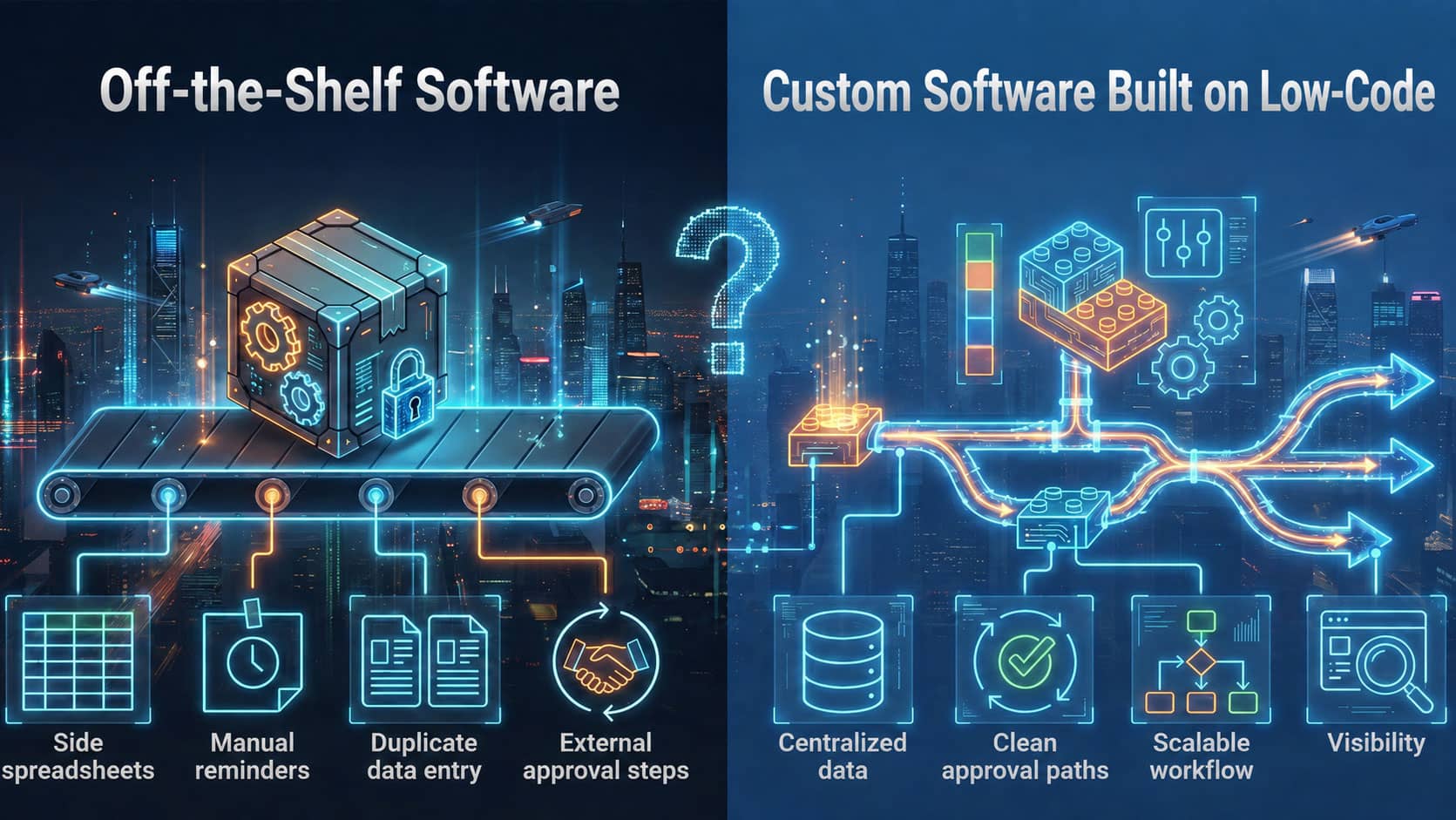
- Find where information gets lost. Identify missed updates, duplicate data entry, communication gaps, and steps that slow down the job.
- Connect your systems. Create one place where your team can manage each job using accurate, up-to-date information.
Common Questions About Paving Job Tracking Software
What Job Information Should Paving Contractors Track?
A paving company should track the current schedule, job address, crew assignment, equipment needs, material quantities, daily production, approved extra work, costs, and invoice status. Keeping these details together helps the office and field work from the same information throughout each job.
How Does Paving Job Tracking Software Help Field Crews?
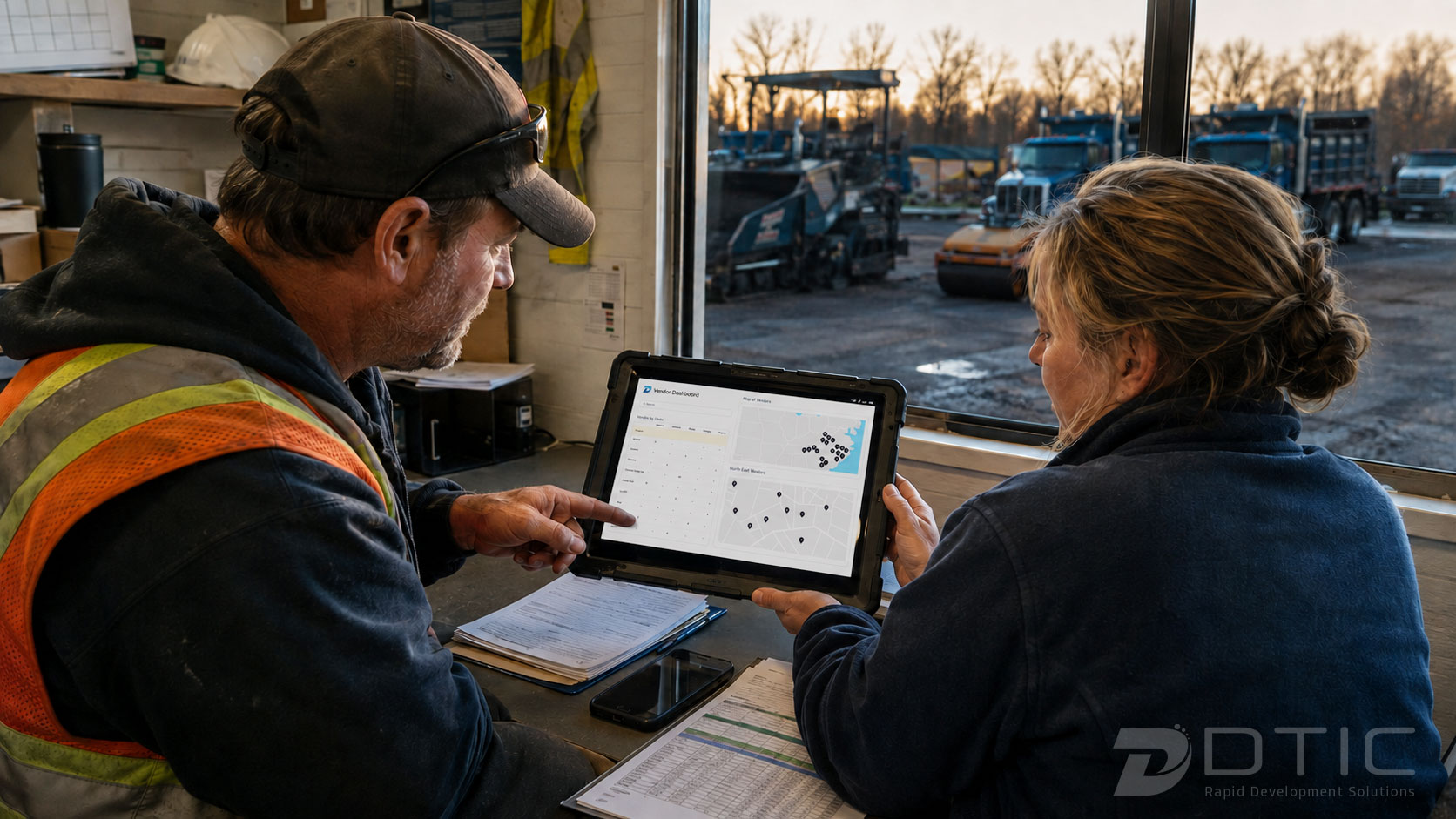
It gives crew foremen one place to review the latest work order before leaving the yard. They can confirm start times, job locations, equipment, materials, and approved changes without searching through separate texts, emails, spreadsheets, or paper forms.
How Can Connected Job Information Protect Profit?
When completed work, change orders, costs, and invoice status stay connected to the job, office staff can bill sooner while owners can spot problems earlier. This reduces the risk of missed extra work, delayed invoices, or jobs losing money without anyone noticing.
Are you ready to stop chasing paving job updates?
Know where every job stands before your crews leave the yard.
Prevent costly mistakes. Invoice completed work faster. Protect your margins. Give your entire team the information they need to keep work moving.
Schedule a discovery call with DTIC to see how paving job tracking software can give your team one connected place to track every job, from estimate to payment.