Part 2: Software only pays off when the people in the field and the office use it every day.
If you’ve read custom software vs off-the-shelf software for contractors, you know how to compare your options before you buy. This post covers what decides whether that software pays off: whether your team will actually use it. Off-the-shelf construction software can check every box on a feature list and still fail, because the crews and office staff who are supposed to use it stop. When that happens, the license keeps billing while the real work moves back to paper, texts, and memory. At DTIC Rapid Development Solutions, we build custom workflow software for construction and paving companies.
Why do crews skip steps in off-the-shelf construction software?
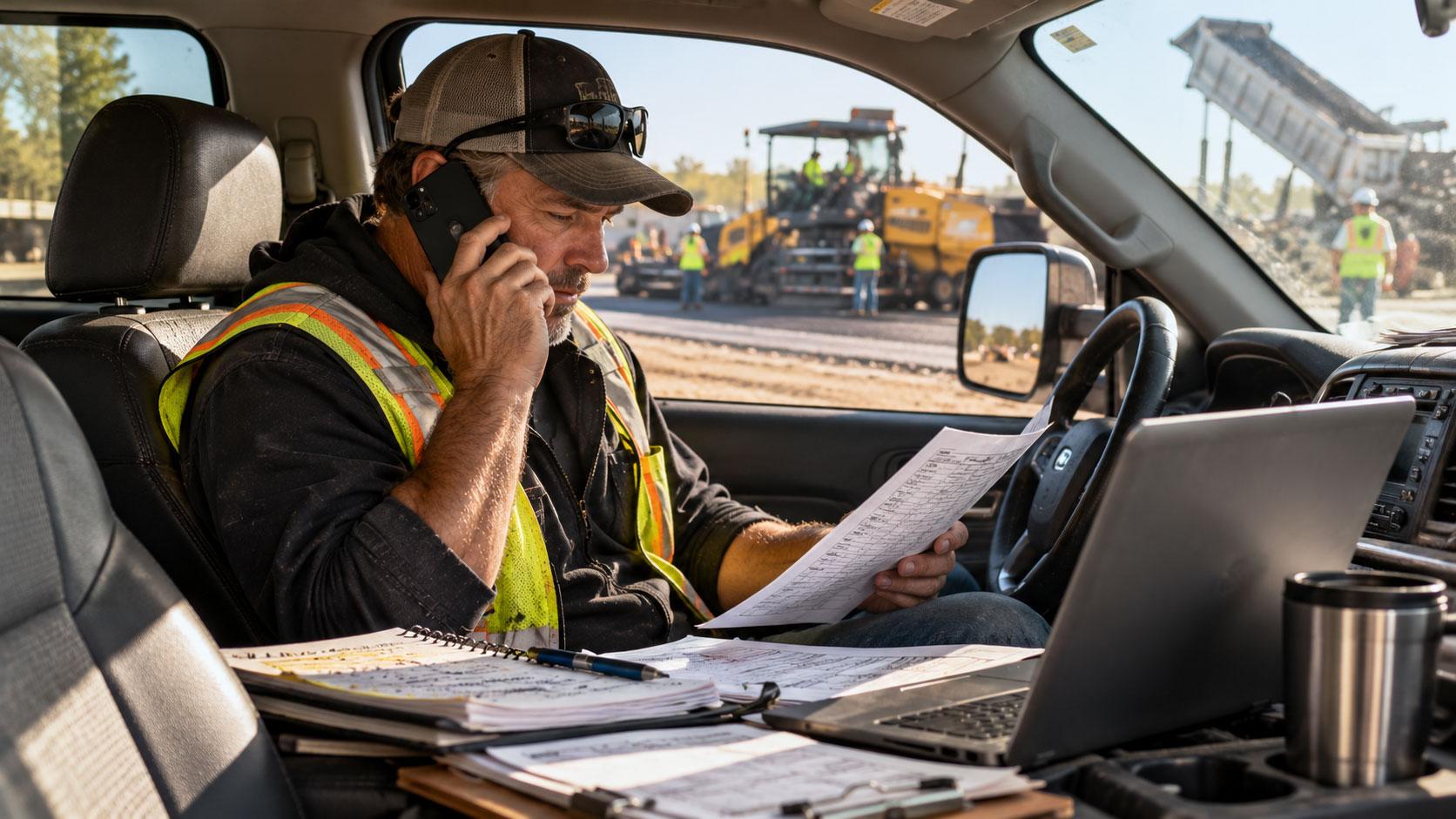
Crews skip steps when entering information takes more effort than it saves. If a task takes longer in the software than on paper, they’ll go back to paper. If a screen asks for details they don’t have yet, they’ll leave it for later. Later often turns into never.
Crews also stop when nothing comes back to them. If a foreman enters information every day and nothing about his own day gets easier, the software starts to feel like extra work for someone else.
None of this means your team is resisting change. People keep using tools that make their own day easier. They drop tools that only make someone else’s day easier.
Can crews use construction software on the job site?
Off-the-shelf construction software that works well at a desk can struggle on a job site. Crews may be working with gloves on, in bright sun, or with a weak signal. They need to enter information quickly and get back to work.
Before you commit, check a few practical points:
- Does it run on the phones and tablets your crews already carry?
- Can they finish a common task in a few taps?
- Does it still work when the signal drops, and save the entry for later?
If the answer to any of these is no, expect crews to find another way to get information to the office. That other way is usually the manual process you were trying to replace.
What does a stalled software rollout really cost?
A stalled rollout of off-the-shelf construction software costs more than the license fee. Your business also loses the hours spent on setup, the time crews and office staff spent in training, and the attention managers gave to pushing the change.
In our experience, off-the-shelf software often forces you to adapt to processes that don’t match how your business works. That mismatch can make adoption slower and more painful, or cause it to fail altogether, leaving you searching for another solution.
How can you test off-the-shelf construction software with your crew before you buy?
The best test is a short trial with the people who will use it most. A demo shows what the software can do. A trial with your crew shows what they will actually do with it.
- Pick one crew and one office person who handle the same jobs.
- Have them use it during a normal week of work.
- Watch for skipped fields, side notes, and phone calls that replace the software.
- Ask them one question at the end: would you keep using this if nobody made you?
If the honest answer is no, that off-the-shelf construction software may not be the right fit for your team.
Frequently asked questions
How long should a software trial with my crew last?
Long enough to cover a normal week of work, so your crew uses the software on the kinds of jobs they actually run.
What are the signs crews have stopped using new software?
Fields left blank, information sent by text or phone call instead, and notes kept outside the system.
Should you replace off-the-shelf construction software after a failed rollout?
Not right away. First find out why crews stopped: too many steps, a poor fit for field conditions, or no benefit to them. Switching without that answer can repeat the same problem with a new tool.
Want help figuring out why your team won’t use its software?
A discovery call can help you pinpoint where off-the-shelf construction software is creating extra work for your crews and office. We’ll look at how your team gets work done today and whether a system built around those steps would be easier to adopt. Schedule a discovery call to get started.